Cloud Girl Logs — Week 3: Route 53, Auto Scaling, Target Groups, Bastion Host & SSH

This one's coming in a few days late — university exams ate up most of my week. Didn't want to skip it though, so here's Week 3, slightly delayed but complete.
This week was networking and high availability on the AWS side, and text processing on the Linux side.
AWS Side
Route 53 — DNS
Route 53 is AWS's DNS service. Before getting into Route 53 specifically, had to actually understand DNS properly first — it's the system that translates domain names like amazon.com into IP addresses computers can use. Without it, you'd have to memorize IP addresses for every website you visit.
When you type a domain into your browser, the request goes through several layers — browser cache, OS cache, then out to a Recursive Resolver, which asks a Root server, which points to a TLD nameserver, which finally points to the Authoritative nameserver holding the actual record. That whole chain happens in milliseconds.
The part that actually confused me at first: Route 53 doesn't store your Load Balancer's IP address directly, because that IP can change anytime AWS scales it. Instead, Route 53 uses something called an ALIAS record, which points to the Load Balancer's DNS name instead of a fixed IP, and stays in sync automatically even as the underlying IP changes. A regular CNAME record can't even be used for a root domain like amazon.com — only ALIAS records can, which is one of the reasons Route 53 uses its own record type instead of just relying on standard CNAME.
Also learned about TTL — how long a DNS answer gets cached before being looked up again. Low TTL means changes propagate fast but costs more queries, high TTL means faster lookups but slower propagation if something changes.
Auto Scaling Groups (ASG)
ASG automatically manages how many EC2 instances are running based on traffic. Instead of manually deciding instance count, you define three numbers — minimum, maximum, and desired. ASG keeps the count at desired, scales up toward maximum when load increases, and never drops below minimum.
It uses a Launch Template as the blueprint for every new instance it creates — same AMI, same instance type, same security groups, same startup script, every time. Scaling itself is driven by policies, the most common being Target Tracking — for example "keep average CPU at 50%," and ASG handles the rest.
The part I found genuinely clever: ASG also handles its own healing. If an instance fails a health check, ASG kills it and replaces it automatically, no manual intervention needed.
Target Groups
A Target Group is what an Application Load Balancer actually routes traffic to — it doesn't send traffic to instances directly. The Target Group holds the list of instances and runs health checks against each one. Only instances that pass the health check get traffic. When ASG creates a new instance, it automatically registers it with the Target Group, and deregisters it before terminating, so in-flight requests aren't dropped mid-way.
Bastion Host
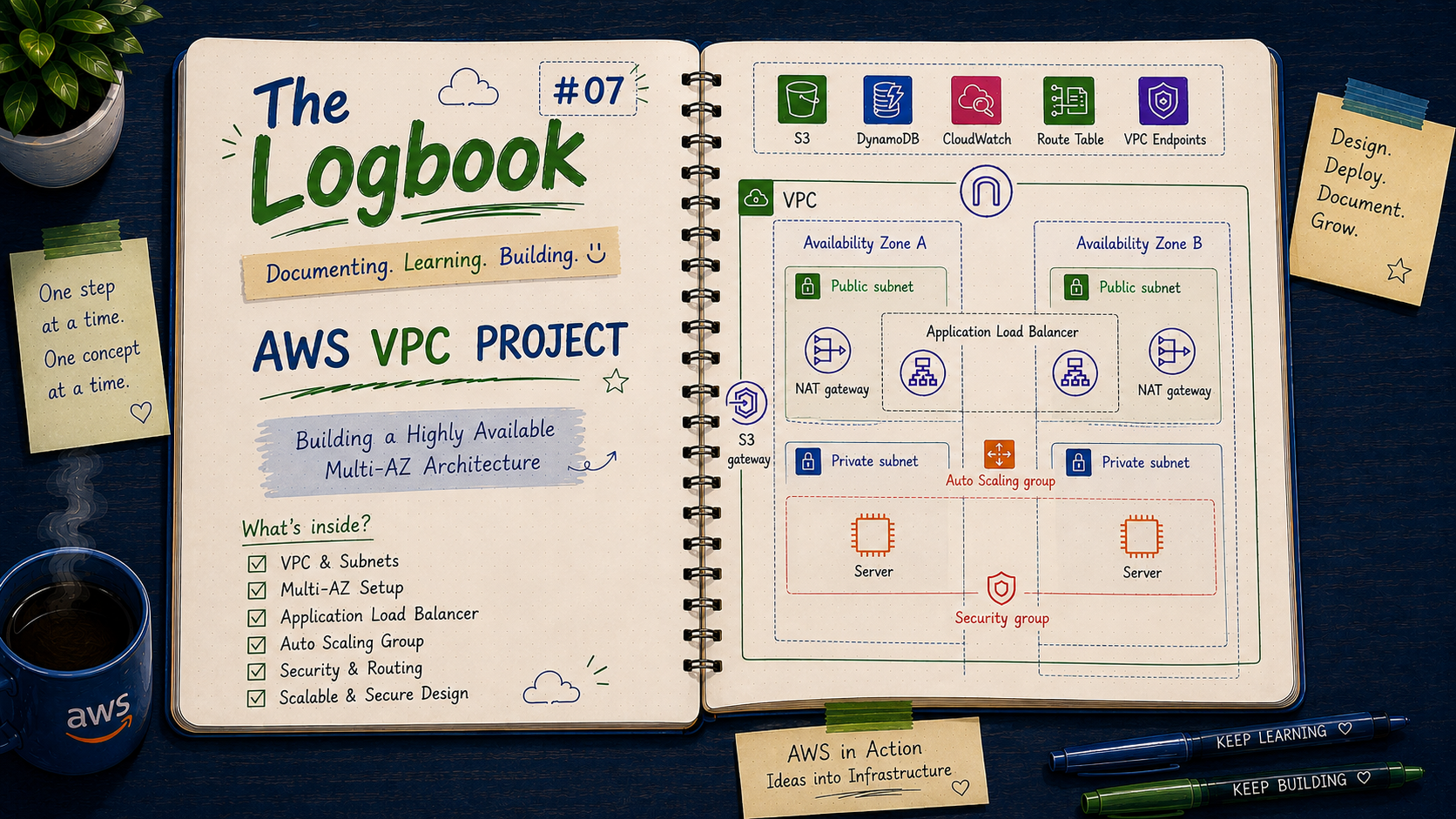
A Bastion Host is a small EC2 instance sitting in a public subnet, acting as the single controlled entry point into private infrastructure. Instances in private subnets have no public IP, so they can't be SSH'd into directly from the internet. You SSH into the Bastion first, then from the Bastion into the private instance. The private instance's security group only allows SSH traffic coming from the Bastion's security group — nothing else gets in.
SSH
Spent more time actually understanding SSH itself this week instead of just using it as a black box. It's the protocol used to securely connect to and control a remote machine over an encrypted channel, using a key pair instead of a password.
ssh -i keyfile.pem username@ip-address
Also looked into SSH Agent Forwarding, which keeps your private key only on your local machine even when hopping through a Bastion — the key never actually sits on the Bastion server, which matters a lot if that server is ever compromised.
Linux Side
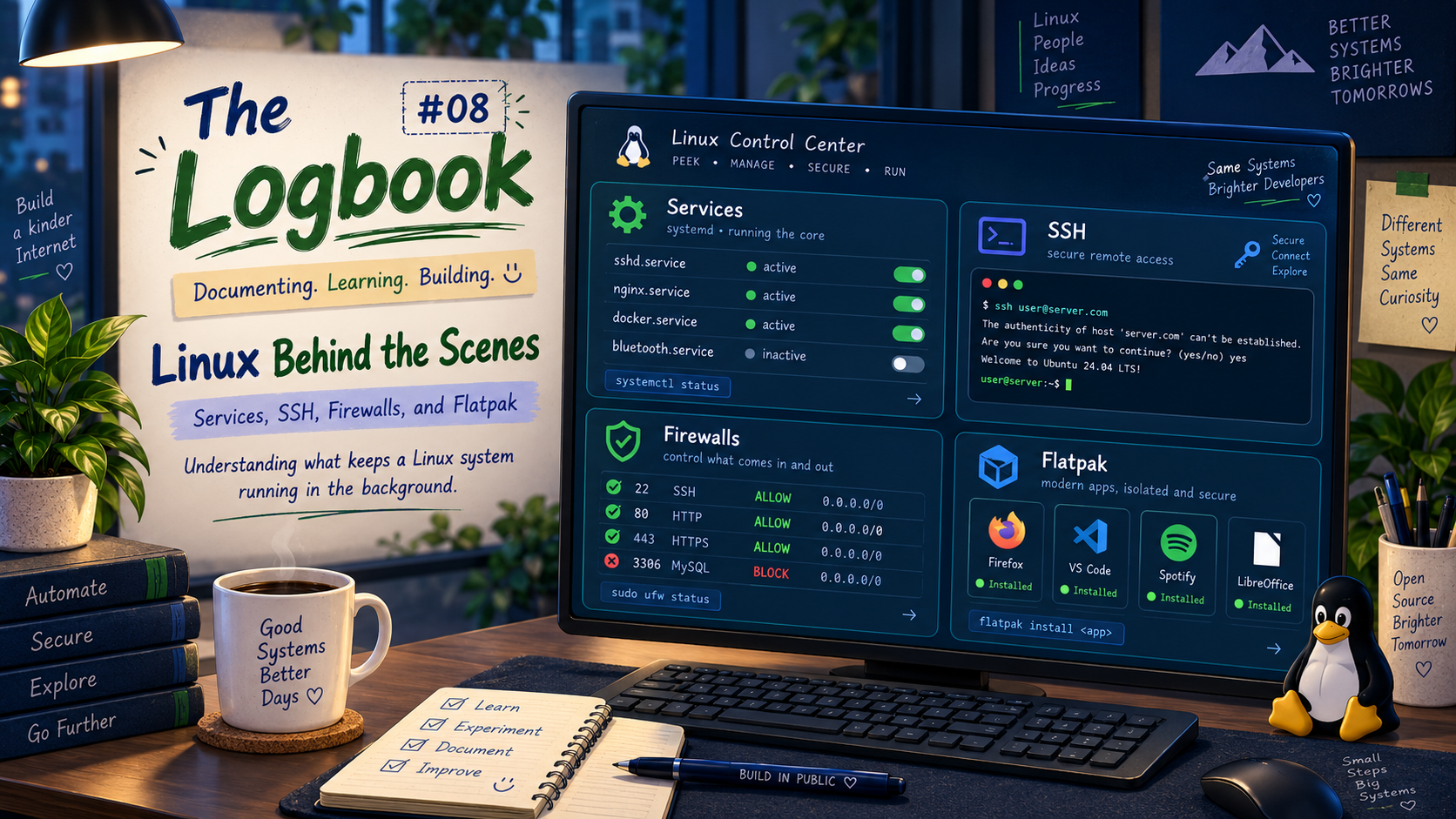
This week was all about working with file content and text processing — pipes, redirection, filters, search/compress utilities, regex, and the VI editor.
I/O Redirection
Redirection controls where command input comes from and where output goes.
command > file      # redirect output to file, overwrite
command >> file     # redirect output, append instead
command < file      # use file as input
command 2> errors.log   # redirect only error output
Filters in Linux
Filters are commands that take input, transform it in some way, and produce output. Used constantly when combined with pipes.
sort file            # sort lines
uniq file             # remove duplicate lines
wc -l file            # count lines
cut -d',' -f1 file    # extract a column from delimited data
Pipes
A pipe (|) sends the output of one command directly into the input of another, without needing a temporary file in between.
cat access.log | grep "error" | sort | uniq -c
This single line filters a log file down to just error lines, sorts them, and counts unique occurrences — chaining filters together is the actual point of the Linux command line.
Bundle, Find, and Compress Data
tar -cvf archive.tar folder/      # bundle files into one archive
tar -xvf archive.tar              # extract
gzip file                         # compress
gunzip file.gz                    # decompress
find / -name "*.log"              # search for files by name
find / -size +100M                # search by size
Regular Expressions (Regex)
Regex lets you search for patterns in text rather than exact strings. Used heavily with grep.
grep "^error" file        # lines starting with "error"
grep "fail$" file          # lines ending with "fail"
grep "[0-9]\{3\}" file     # three consecutive digits
grep -E "warn|error" file  # match either word
The biggest mental shift here was understanding that regex is a separate pattern language from the file globbing covered in week 2 — * means something completely different in each context, and mixing them up is an easy mistake.
VI Editor
VI (or VIM) is the default text editor on most Linux systems, including RHEL. No mouse, fully keyboard driven, and has two main modes.
i        # enter insert mode (start typing)
Esc      # exit insert mode back to command mode
:wq      # save and quit
:q!      # quit without saving
dd       # delete current line
/word    # search for "word" in the file
It feels unnatural for the first while, but it's unavoidable for RHCSA since GUI editors usually aren't available on the exam environment.
What's next?
In my week 4, I will be covering:
AWS: S3, storage classes, bucket policies
Linux: User Management and Password Management
Full notes on GitHub: https://github.com/anousheh-hussain/cloud-devops-notes